Overview and control for law job and law internship

Work & internship - the three interfaces
Work & Internship consists of three interfaces, all adapted to the different target groups that use the system.
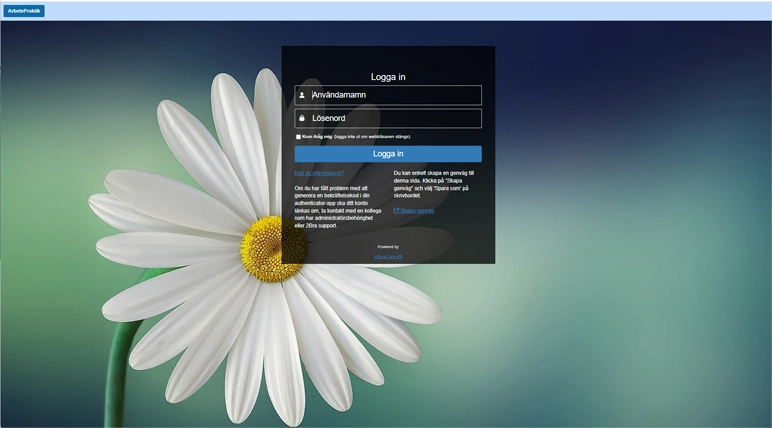
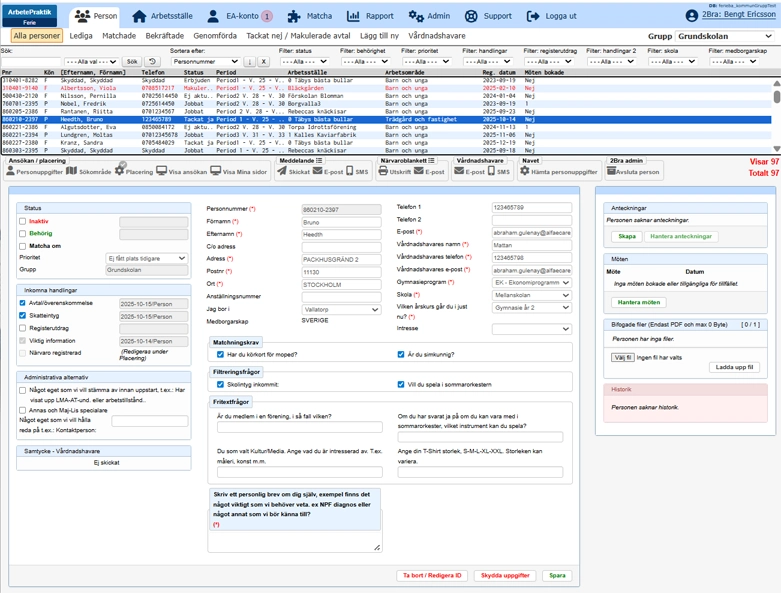
The interface for internal users is used by people who work with the overall administrative work. All applicants, all workplaces and locations, and the entire process are managed here – from application and matching to contract writing, attendance management, salary export and issuing certificates.
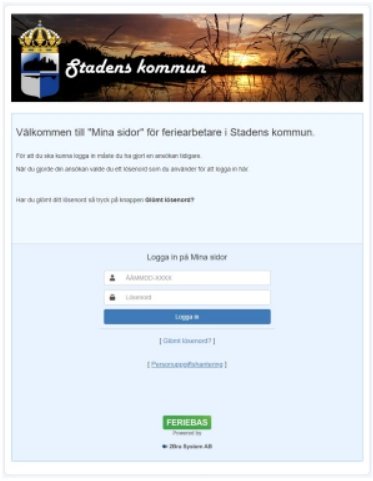
The interface for applicants is aimed at people who want to apply for a law job or law internship. The application process is handled here, adapted to the respective target group, as well as My pages, where all communication with the applicant takes place. All forms are developed according to the principle Mobile First to work optimally on mobile phones.
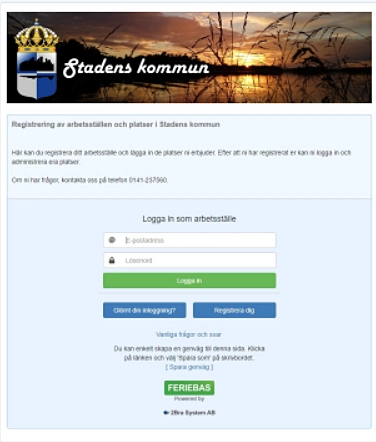
The interface for external users used by people who work outside the workplace, such as unit managers or supervisors for applicants. If necessary, the workplace itself can add the places they can offer.
Through this interface, the workplace can see which people have been matched to each location, as well as report attendance and leave reviews for each individual.
Integrations
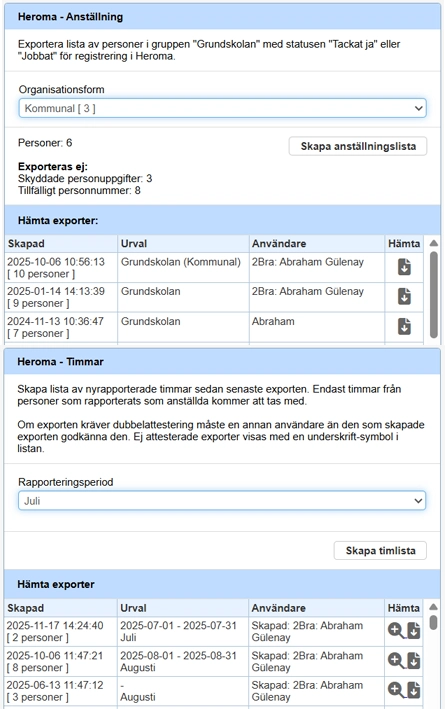
Our system is built to make your work faster, safer and more cohesive. With smart integrations, we create a complete solution that saves time and reduces administration. Below are some examples:
- The hub - The Swedish Tax Agency
- Federated login
- BankID
- Heroma
- Personec P
Key features
All locations in one place
Work & Internship is based on a common location bank where all workplaces are registered, regardless of target group. Each location is earmarked for the target group that will have access to the location, which creates structure and clarity in management.
Overview
By having all workplaces gathered in the same system and having the places earmarked per target group, it becomes easy to get a clear overview. This provides quick answers about which places are available and within which target groups there is a need for more places.
Guardian's signature
Sometimes guardians are required to approve the youth's application and this can be done directly in the system. Identification is done via Mobile BankID and the function reduces the risk of errors and provides secure handling and identification of the guardian.
My pages – Applicants
All applicants will have access to My pages, where they can follow the entire process – from application to placement. Here they can accept a place, sign an agreement and update their contact details and other relevant information.
Participants also have the option to register their own attendance and sick days via My Pages. This information is then approved by the supervisor at the workplace.
My pages – Workplace
Each workplace has its own login. My pages, where they can see which applicants have been matched to their positions. Through the page, they can register attendance and leave reviews for each person.
Register Your Interest
You will receive a personal contact from Alfa eCare who will help you answer questions about the module or you book a demo for your area of operation.